

Broken links and website migration
Find broken links, choose relevant redirects and protect useful customer journeys during a website migration.
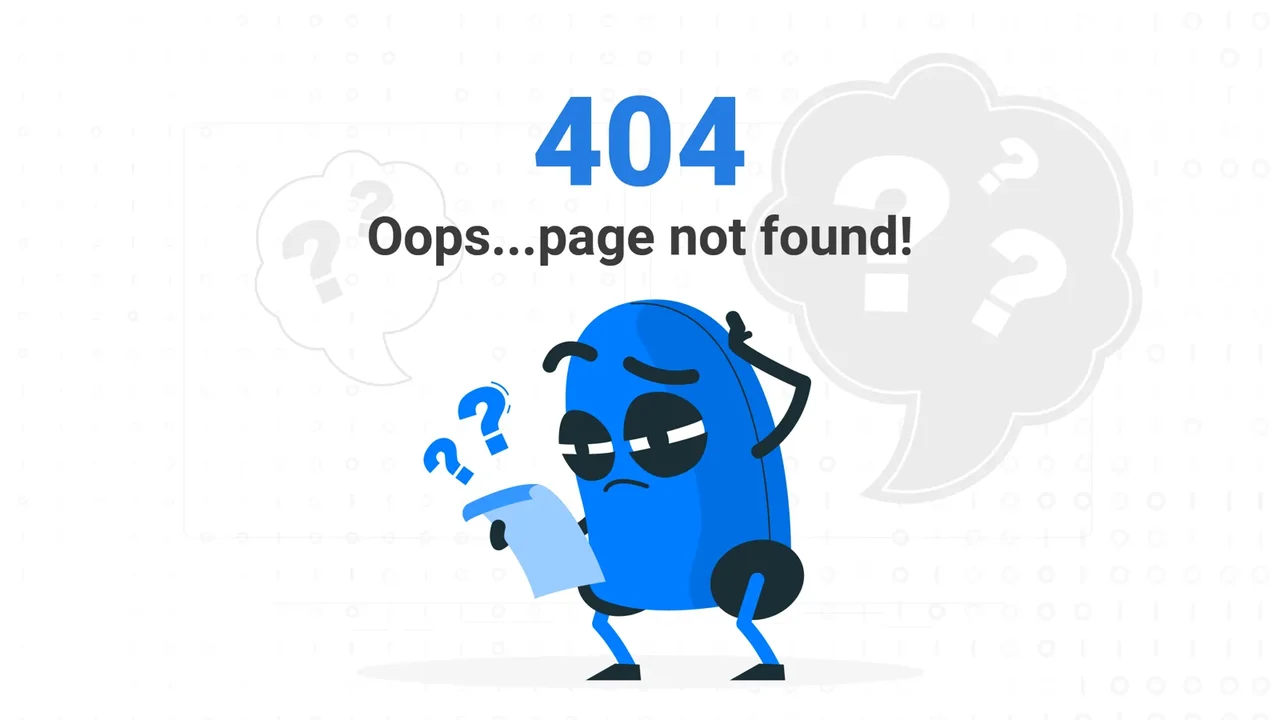
A broken link is an interruption in a customer's journey. Someone follows a promise made by a menu, search result, advertisement or another website and reaches a page that cannot fulfil it.
Understand what the response means
A genuine 404 response tells browsers and crawlers that the requested resource was not found. It is appropriate for an unknown URL. A page that displays an error while responding with HTTP 200 can instead create a soft-404 problem.
Not every missing page needs a redirect. If an old page has a relevant replacement, a permanent redirect can take visitors to that replacement. If the content has been deliberately removed and has no equivalent, a real 404 or 410 is more honest than sending everyone to the homepage.
Google's site-move guidance distinguishes relevant content consolidation from unrelated redirects. The destination needs to answer the visitor's original intent.
Find the links that matter
Combine a crawl of the website with its sitemap, internal links, search data and available request logs. A sitemap describes URLs you currently advertise; it will not reveal every address in old emails, advertisements or external links.
Check images and downloads as well as pages. A missing diagram can make an otherwise successful article confusing, while a broken brochure link can interrupt a buying decision.
Prioritise failures on important journeys: campaign landing pages, service details, forms, account access, application pages and frequently referenced articles. Record the source of each link so the underlying reference can be corrected.
Fix the reference as well as the destination
When a page moves, update links you control to point directly to the new address. A working redirect is useful protection for old links, but there is little benefit in making the website's own menus and articles take that extra hop indefinitely.
For an image or document, restore the intended file or replace the reference with the exact equivalent. Do not redirect an image request to an HTML page. For a spelling mistake or accidental URL, correct the link and leave arbitrary unknown addresses as genuine missing pages.
Make migration mapping explicit
Before replacing a website, inventory existing pages and decide whether each one is retained, moved, consolidated or removed. Map changed addresses to their final destinations, including meaningful spelling changes and renamed case studies.
Publish destination content before activating its redirects. Check status codes, redirect chains, canonical URLs and important campaign parameters. Test the actual responses rather than assuming that a successful deployment applied every mapping.
Preserve original media paths or prepare exact media mappings where those files still have value. After launch, review new missing-page requests: a finite pre-launch inventory cannot anticipate every historical link.
Give people a useful recovery path
A well-designed missing-page screen should explain what happened in plain language and offer relevant navigation. It should not pretend the requested page exists or automatically move the user somewhere unrelated.
Design, content and development all contribute. Clear labels reduce incorrect links; predictable URL structures make maintenance easier; appropriate server responses tell other systems what happened. Treat this as part of the website's customer experience, not simply a crawler clean-up task.


What would you like to achieve?
Tell us what you want to change. We’ll help you find the right starting point.