

Plan a business website that converts
Connect website purpose, structure, content, technology and operational handoffs before and after launch.
A useful business website helps customers understand an offer and complete the next appropriate task. Planning it well means connecting content, design, technology and the operational handoff behind each conversion.
Define the purpose and audience
Identify the people the website needs to serve and the decisions they need to make. A product comparison, service enquiry, application and support request need different routes.
Agree what success means before commissioning pages. It may include qualified enquiries, completed purchases, useful self-service or fewer failed tasks. Record the existing baseline where one is available and keep the measures understandable to the people responsible for the result.
Plan the information architecture
Group information around customer needs rather than the organisation chart. Decide which pages explain services, provide proof, answer questions and support action. Use clear navigation labels and predictable URLs.
Review the existing site before replacing it. Inventory valuable articles, case studies, documents and media. Decide which addresses stay, move or retire. An explicit migration map protects useful old links without forcing every discarded page into an unrelated destination.
Give content and design equal attention
Write the core proposition, evidence and next-step explanation early. Realistic copy helps expose layout problems that a short placeholder can hide.
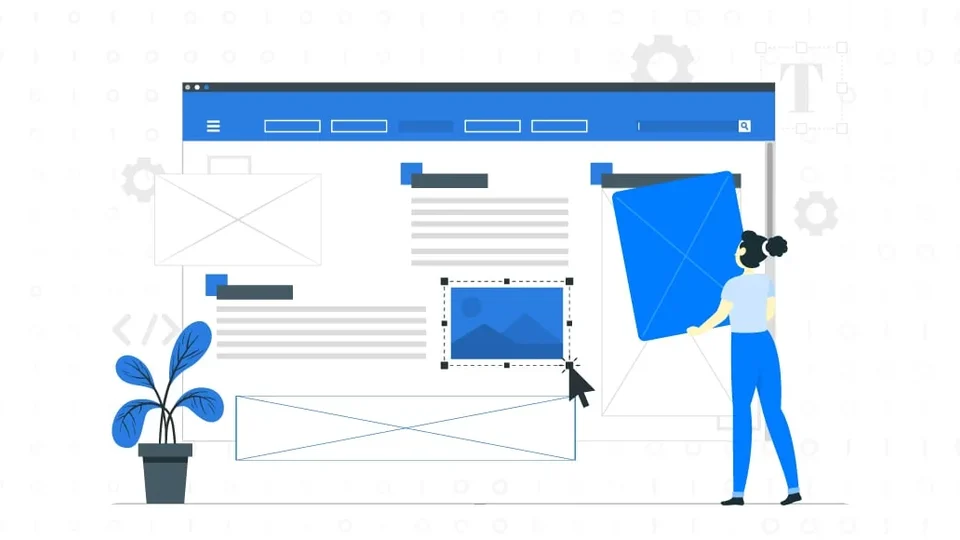
Use research, wireframes and prototypes to resolve the relevant questions. Build a reusable visual system for headings, spacing, controls and feedback. Check that a customer can understand the page before adding decorative motion.
The UX/UI guide explains how structure and interface decisions work together. Accessibility and mobile behaviour need to be part of that process, not a final desktop screenshot check.
Choose technology around ownership and operation
Select a CMS and frontend that suit the content model, editing team and integration requirements. A theme, template or plugin can accelerate delivery, but every dependency creates an ongoing maintenance responsibility.
Define who owns domains, hosting, content, source code, analytics and connected accounts. Plan updates, access, backups and recovery. A custom build does not automatically provide good ownership, just as a packaged CMS does not automatically prevent it.
Connect forms and commerce to the business
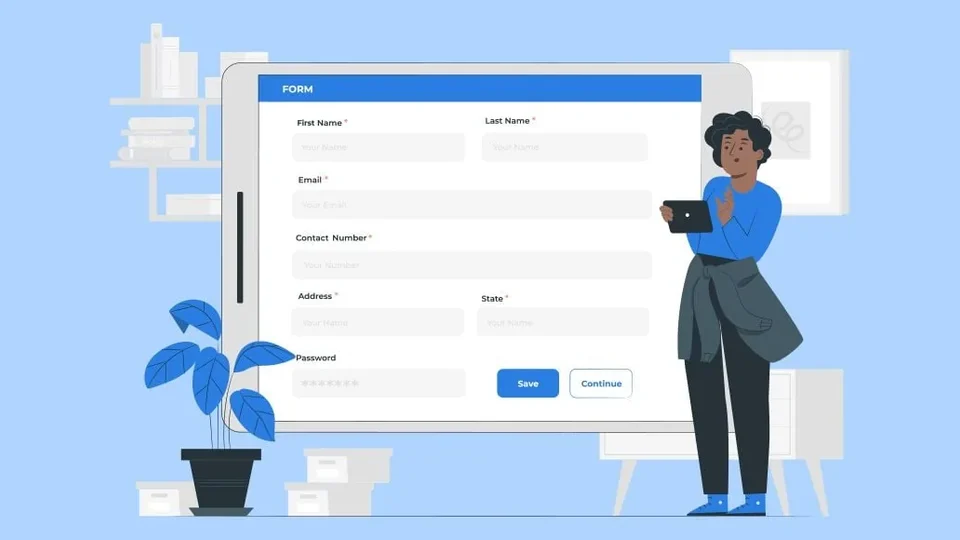
An accepted enquiry needs a responsible destination and a follow-up process. Test validation, confirmation, duplicate handling and notification failures. Keep acquisition context where it is available and appropriate, without making an optional tracking failure block a valid enquiry.
For commerce, test products, variants, shipping, payment and post-purchase messages. Clear costs and expectations often matter more than another visual effect.
Validate the complete experience
Check real content on representative screen widths, short heights and slower connections. Optimise images and scripts, reserve media space and make essential tasks usable without unnecessary client-side dependencies.
Verify page responses, metadata, canonical URLs, internal links and the intended indexing policy. A sitemap is useful discovery infrastructure, not a guarantee that content will be indexed or recommended.
Keep improving after launch
Connect website behaviour with the quality of enquiries or purchases. Use research and well-designed experiments to understand friction rather than changing the interface solely because one metric moved.
A website becomes a business asset when its content, experience and supporting processes remain useful. Launch is the start of operating that asset, not the end of the work.

What would you like to achieve?
Tell us what you want to change. We’ll help you find the right starting point.